Email encryption is essential for organizations that handle personal data, contracts, medical records, or other confidential information. You want to be sure that only the intended recipient has access.



Email encryption is essential for organizations that handle personal data, contracts, medical records, or other confidential information. Whether you’re sending an encrypted email to a client or securely sharing large files with a business partner, you want to be sure that only the intended recipient has access.
At the same time, secure email must remain practical. Employees must be able to send secure emails from their familiar environment without adding unnecessary complexity. That is why FileCap was developed for organizations that need both strong email security and ease of use.
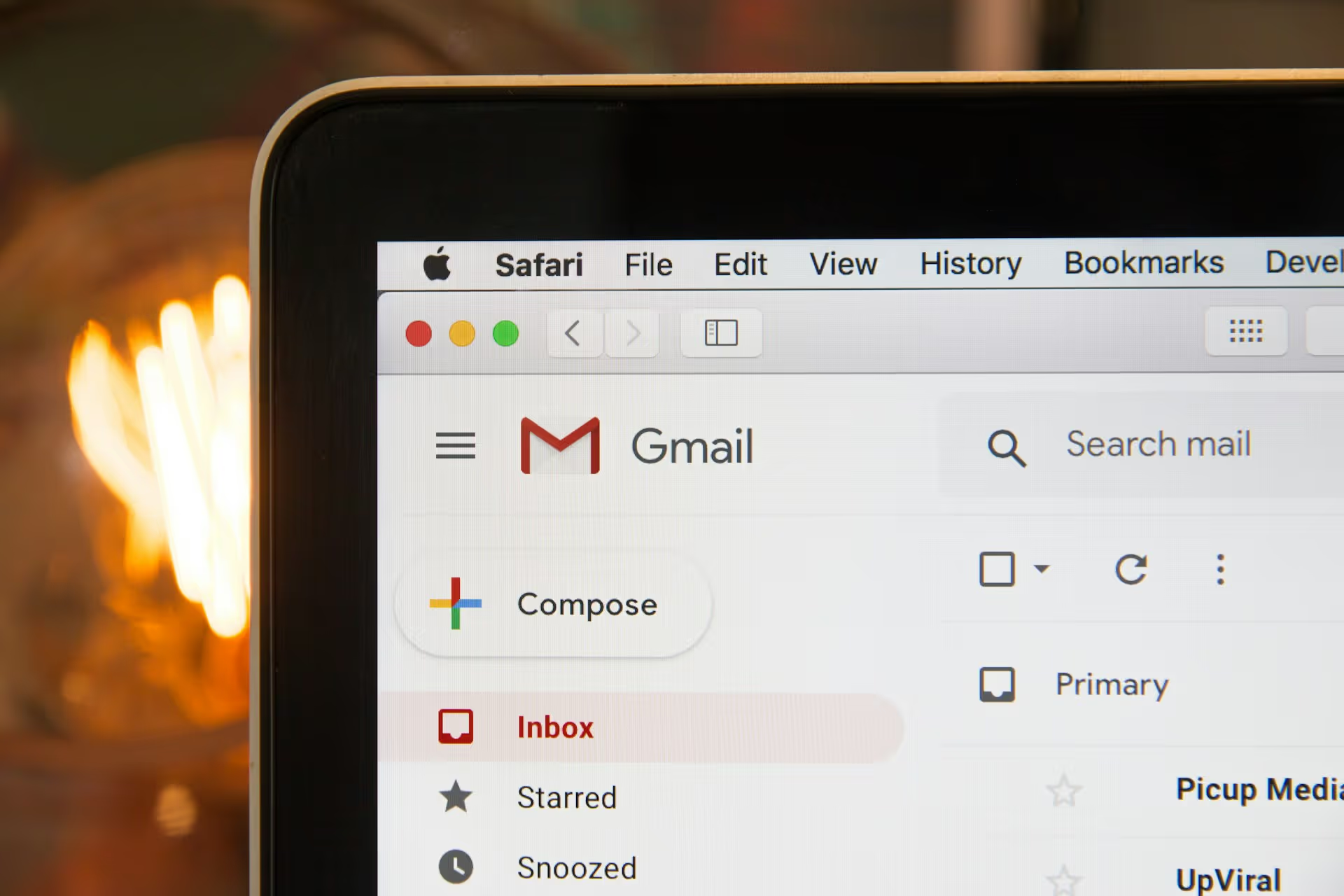
FileCap integrates with Microsoft Outlook and Microsoft 365. Do you prefer to work in a browser or use a different email service, such as Gmail? In that case, you can send encrypted emails through the FileCap web portal. You can continue working as you normally would, while the content of your message and your attachments are sent in encrypted form.
Email encryption means that the content of a message is encrypted so that unauthorized persons cannot read it. Only the authorized recipient has access. That sounds technical, but in practice it is all about risk management and responsibility.
When you send encrypted email, you want more than just a technical lock. You want control over who has access, how that access is verified, and how long the information remains available. Especially in sectors such as healthcare, government, legal services, and education, this isn’t a choice—it’s a requirement.
Encrypted email is therefore not just an IT solution, but an integral part of your compliance and privacy policies.
Would you like more background information about working securely online first? Then take a look at the explanation in our knowledge base about secure data exchange.
Many organizations are looking for ways to encrypt email within their existing email environment. In practice, standalone portals or external tools often lead to workarounds and shadow IT. As soon as a solution becomes too cumbersome, employees start looking for alternatives.
With FileCap, you can send secure emails directly from Outlook and Microsoft 365. This keeps the process familiar to users and makes secure communication a natural part of their daily workflow.
This is particularly relevant when you:
By integrating encryption into your existing work environment, you increase the likelihood that security measures will actually be followed.
Want to know more about how it works? Read more on the product page.
Email security isn't just about encryption during transmission—it's also about maintaining control over your data. Where are files stored? Who can access them? Can you demonstrate what measures you've taken?
FileCap does not store your files with public transfer services. You choose where your data is stored: in FileCap SaaS, hosted in European data centers, or on-premises on your own servers. Your files are never used for AI training. This allows your organization to maintain complete control over sensitive information.
FileCap is ISO 27001-certified and aligned with the requirements of the GDPR. With logging and reporting, you can track what happens to sent messages and files. Your organization remains responsible for its own policies and proper implementation. FileCap provides the technical foundation for sending demonstrably secure, encrypted email.
Email encryption is particularly relevant for organizations that routinely exchange sensitive information. Examples include patient data, legal files, procurement documents, or financial reports. In these situations, encrypted email is not just an additional layer of security, but a prerequisite for working professionally and responsibly.
Encrypted email not only helps mitigate risks but also strengthens the trust of clients, citizens, and business partners. It demonstrates that you handle their data with care and that information security is an integral part of your organizational culture.
Want to see how easy it is to send encrypted email? Try FileCap free for 30 days or request a demo.
With regular email, the content can be intercepted or viewed in certain situations. With email encryption, the content is sent in encrypted form, so that only the authorized recipient can open it.
Yes. FileCap works as an add-in in Outlook and Microsoft 365. Employees send secure emails from their own email environment, without having to use separate applications or portals.
Encryption is an important part of GDPR compliance, but it is not the only one. Policies, access control, and internal processes also play a role. FileCap provides technical support in this area through encryption, recipient verification, logging, and ISO 27001-certified security.
Yes. For organizations that do not want to share confidential information via public transfer services, FileCap offers an integrated solution within their own working environment.
Yes. Through the FileCap web portal, you can send encrypted emails and files from any browser, even if you use Gmail or Hotmail (Outlook.com). If you use Outlook or Microsoft 365, you can use the FileCap add-in. Your recipients will always be able to open the message securely, no matter which email service they use.
The FileCap add-in makes sending a secure email or sensitive files child's play. Check out how it works below:
Invite someone to send you large files or a message securely with FileCap. Fast and simple!
Choose one of four available authentication methods: password, code via email, code via SMS or a company password. Sending extra sensitive information? Simply use a second verification.
Customize your FileCap portal with a large background, your company logo and, of course, matching colors. The emails that you send with FileCap will also automatically receive your house style. Very familiar for your customers.

By taking advantage of the additional security options, business rules to monitor the content of emails and messages and the ability to retract sent messages, you reduce the likelihood of data breaches.























































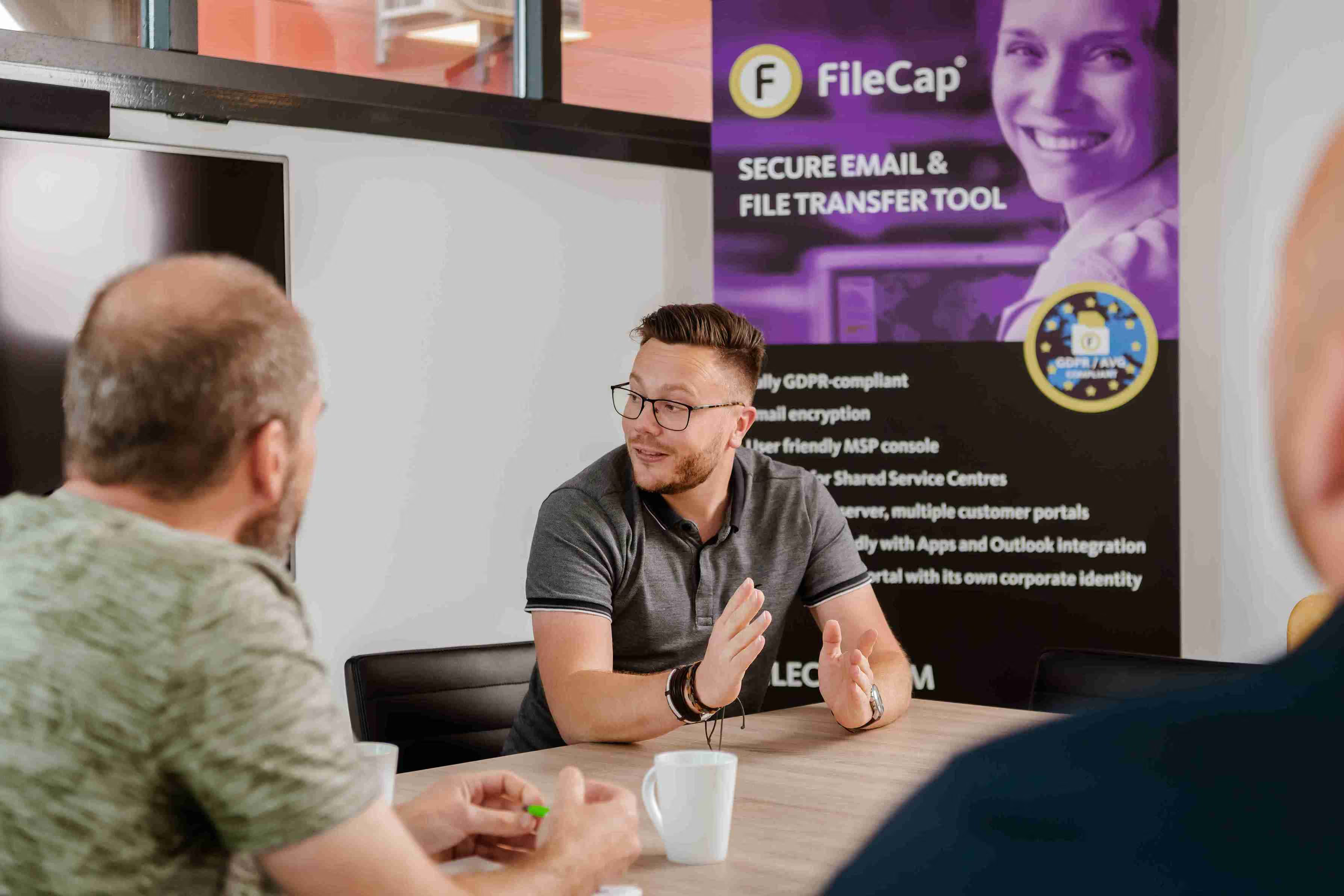
See for yourself how easy it is to send encrypted confidential emails and files, either from Outlook or right from your browser. Try the full product free for 30 days, with no obligation to purchase.
Try FileCap free for 30 days